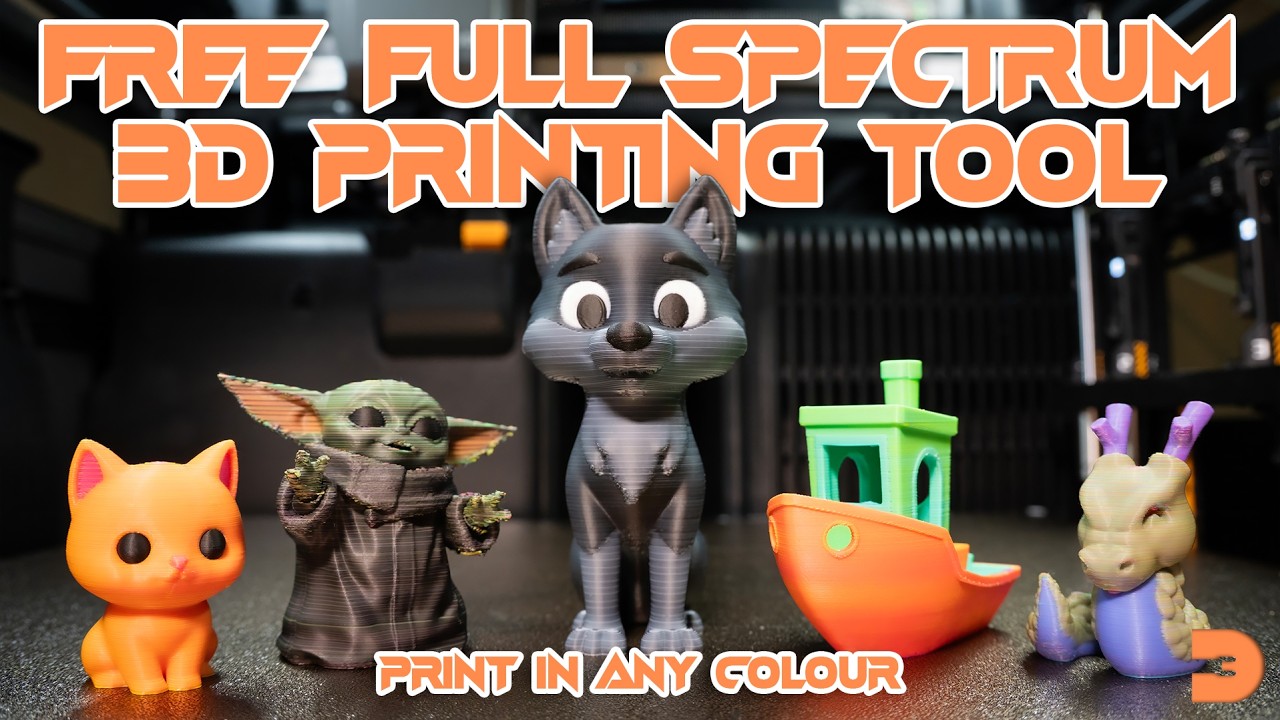
Paint any colour onto a 3D model, then export it as a multi-material 3MF file that uses cyan, magenta, and yellow filament dithering to reproduce your painted colours on an FDM 3D printer.
🎬 Video Tutorial
📐 Step 1 — Load & Orient
- Upload an STL file by dragging it onto the tool or clicking the upload area.
- If needed, use the Orient button to click a face that should sit on the build plate.
🎨 Step 2 — Paint
- Choose a colour from the colour picker on the left.
- Use Brush for freehand painting (visible faces only), Sphere for 3D-radius painting, or Fill for flood-filling regions.
- Adjust brush radius with the slider. Use Ctrl+Z / Ctrl+Y to undo/redo.
- Set the Base Colour for any unpainted areas.
⚙️ Step 3 — Process & Export
- Choose a Filament Mode — CMY (3 filaments) for most use cases, or add white/black for better highlights and shadows.
- Click Process to generate the dithered 3MF file.
- Click the Download button that appears in the viewport.
🖨️ Step 4 — Slicer Settings
Import the .3mf file into your slicer (e.g. Bambu Studio, OrcaSlicer). Use these settings for best results:
0.08 mm0.20 mm (use 0.16mm if issues)Assign each filament slot in your slicer to match the export mode (Cyan, Magenta, Yellow, and optionally White/Black).
A 3D Revolution Tool
Terms of Use
About Primed3D
Primed3D is a free, open-source tool created and shared with the 3D printing community by Josh at 3D Revolution. It is provided as-is, free of charge, for personal and commercial use.
Your Privacy & Data
Everything happens in your browser. Primed3D runs entirely client-side — your STL files, painted models, and exported 3MF files are never uploaded to any server. No data leaves your device at any point. There are no accounts, no tracking, and no analytics. Your files stay yours.
Open Source
Primed3D is released as an open-source project. You are free to use, modify, and share it. If you redistribute or build upon it, please credit the original project and its creator.
No Warranty
This tool is provided without warranty of any kind, express or implied. The creator is not liable for any damages or issues arising from its use, including but not limited to failed prints, material waste, or printer issues. Use at your own discretion.
3D Printing Results
Print quality depends on many factors outside the control of this tool, including your printer, filament, slicer settings, and model geometry. The colour dithering is an approximation — results will vary between setups. The recommended slicer settings are a starting point, not a guarantee.
Third-Party Services
Primed3D itself does not connect to any external services. Optional links to YouTube and Buy Me a Coffee are provided for convenience and open in new tabs — they are governed by their own terms and privacy policies.
Primed3D — A 3D Revolution Tool
Thanks for using Primed3D! 🎉
I hope you found it useful! Primed3D was created by Josh at 3D Revolution.
▶ Subscribe to 3D Revolution for tips, tutorials, and more tools.
If you'd like to say thanks or support the project, the best way is to become a channel member — or if you'd prefer, buy me a coffee ☕